
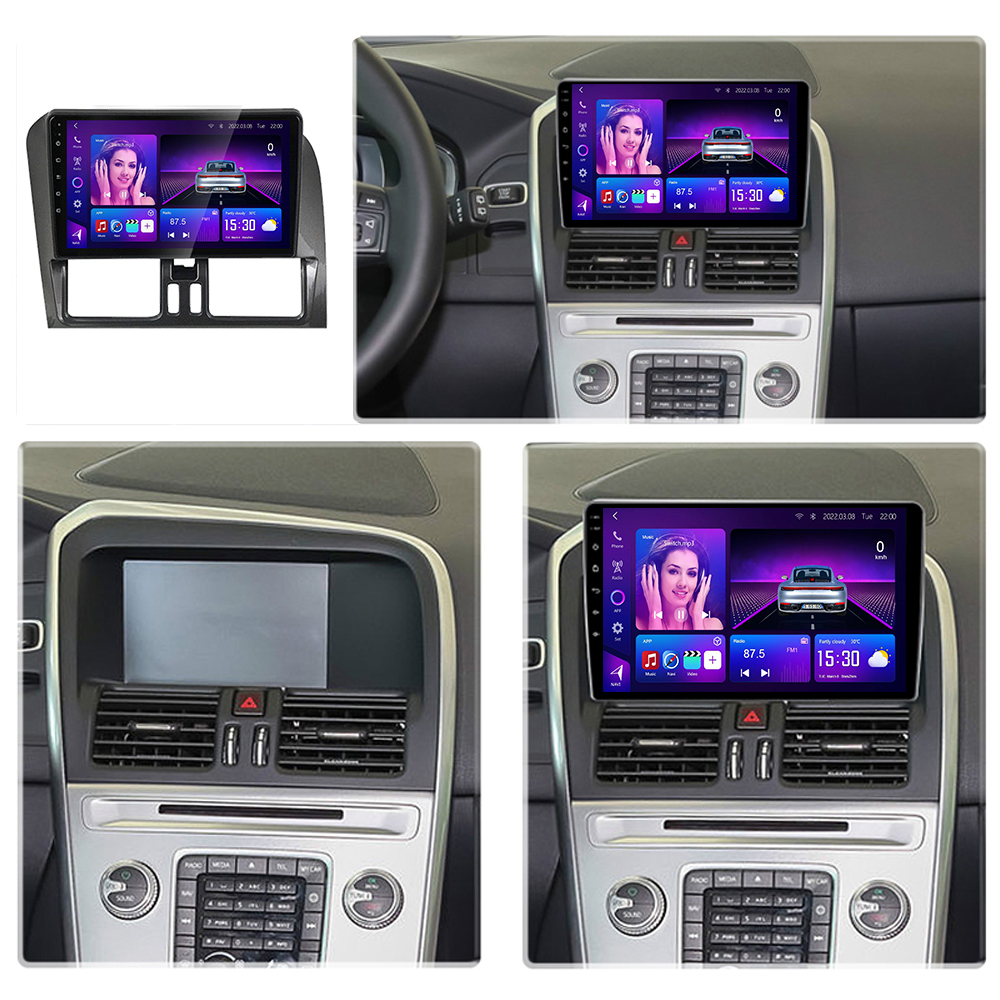
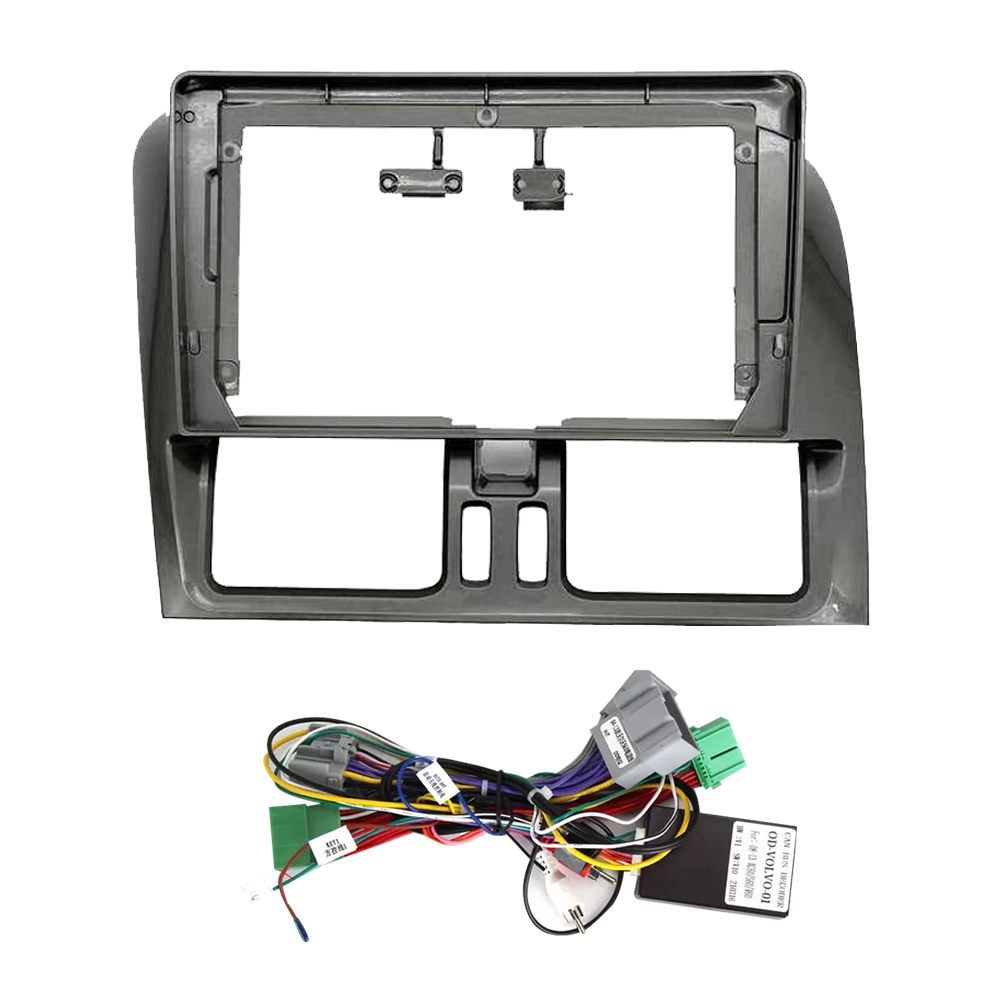
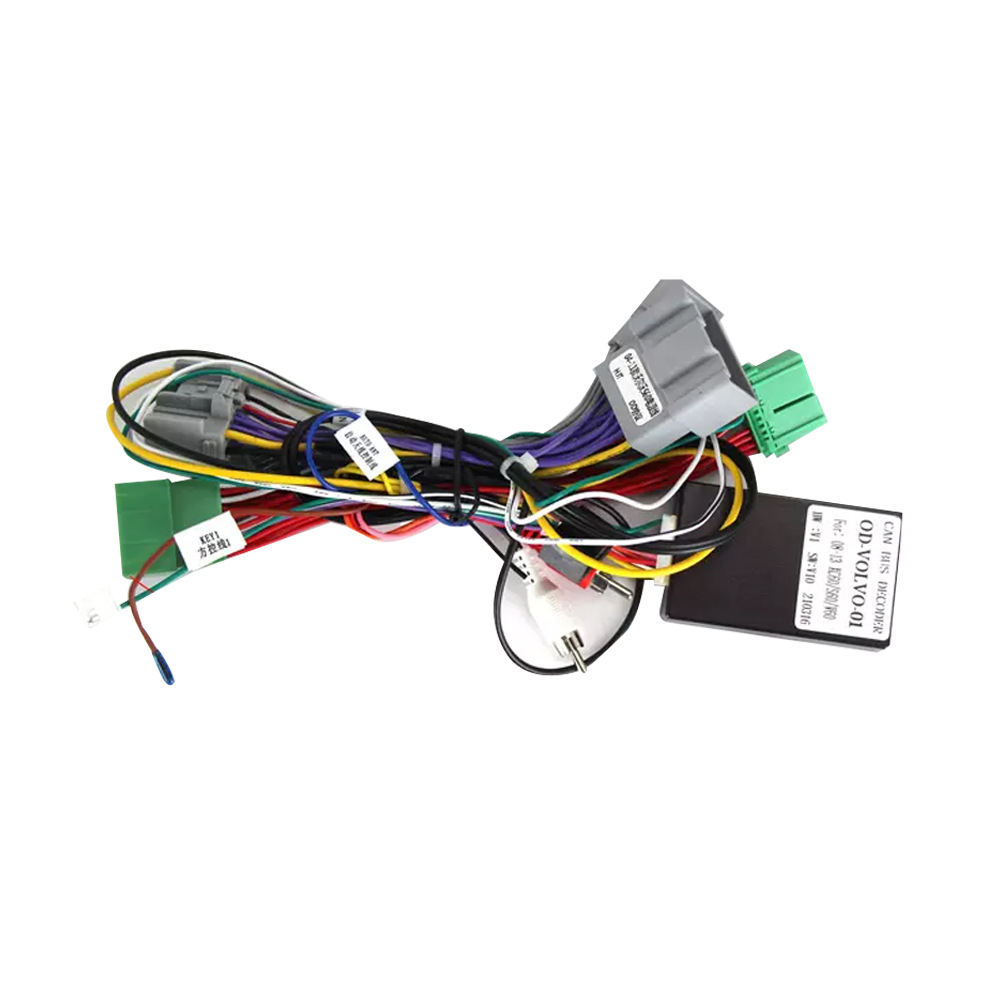











Description


CANBUS Compatibility Guide
CANBUS Decoder for Android Car Stereo Compatibility
A CANBUS decoder helps an Android car stereo communicate with your vehicle’s factory electronic system. It can retain important OEM features such as steering wheel controls, A/C information, reverse camera trigger, parking radar display, door status, illumination signal, and other vehicle data when supported by the car model.

What Is CANBUS in an Android Head Unit?
CANBUS, short for Controller Area Network Bus, is the communication network used by vehicle control modules. In an Android head unit installation, the CANBUS decoder reads supported vehicle signals and sends them to the aftermarket Android stereo. This allows the screen to respond to factory controls and display vehicle information without cutting or rewiring every individual signal.
What CANBUS Can Help Retain
- Steering wheel controls for volume, track, mode, phone, and voice buttons where supported.
- A/C information display, door status, parking radar, reverse signal, and trajectory lines on selected models.
- ACC, illumination, and reverse triggers for automatic power, night mode, and camera switching.
- Factory-style interaction with selected car information and supported vehicle settings.
What CANBUS Cannot Guarantee
- CANBUS does not improve speaker power or sound quality. Audio quality depends on the amplifier, DSP, and speakers.
- CANBUS is not universal. Each vehicle may need a different protocol box, harness, or software profile.
- CANBUS does not rewrite ECU logic. It only reads or uses vehicle data that the car exposes.
- High-trim features such as OEM amplifier, factory 360 camera, or special climate panels may require extra adapters.
What to Confirm Before Ordering
To match the correct CANBUS decoder and harness, provide your vehicle make, model, year, trim, dashboard photo, original radio photo, OEM screen size, factory amplifier status, reverse camera type, and whether the car has OEM 360 camera or parking radar.
CANBUS Decoder Specification Reference
CANBUS FAQ
Which OEM functions will my vehicle support with CANBUS?
Supported functions vary by vehicle model and trim. Common retained functions include steering wheel controls, reverse trigger, door status, parking radar signal, basic A/C display, and illumination signal. High-trim features such as OEM amplifier, factory 360 camera, seat heating control, or special climate panels may require extra adapters.
Do I need coding after installing an Android head unit?
Usually no coding is required. Most installations use the correct CANBUS profile in the Android system settings. If the behavior is incorrect, the vehicle protocol can often be changed in the settings or updated remotely.
Can the Android stereo work without a CANBUS decoder?
Some basic vehicles can power on with standard ACC, BATT, and GND wiring. However, without CANBUS, OEM functions such as steering wheel controls, A/C information, radar display, reverse trigger logic, and vehicle data may be lost.
Why is the correct CANBUS protocol important?
The CANBUS protocol defines how the Android head unit reads vehicle data. A wrong protocol may cause steering wheel buttons, A/C display, parking radar, reverse camera switching, or factory amplifier behavior to work incorrectly.
Feature support depends on your vehicle’s available CAN data and original equipment. Please confirm compatibility before ordering.
CANBUS Requirement Comparison
With CANBUS vs. Without CANBUS: What Is the Difference?
Whether your Android car stereo needs a CANBUS decoder depends on your vehicle wiring, trim level, OEM features, factory radio system, steering wheel controls, reverse camera logic, A/C information display, parking radar, and vehicle communication protocol.
When Is a CANBUS Module Required?
A CANBUS decoder is usually required when the Android head unit must communicate with factory electronic systems and retain OEM-style vehicle functions.
-
-

-

-



Tip: Share your vehicle make, model, year, trim, and dashboard photos so the correct CANBUS protocol box and wiring harness can be matched before shipment.
When Is a CANBUS Module Not Required?
A CANBUS decoder may not be necessary for simpler vehicles where standard power, speaker, and accessory wiring are enough for basic stereo operation.
-

-

-

-



Note: The stereo can still power on with standard wiring, but OEM integrations may be limited or unavailable without CANBUS.

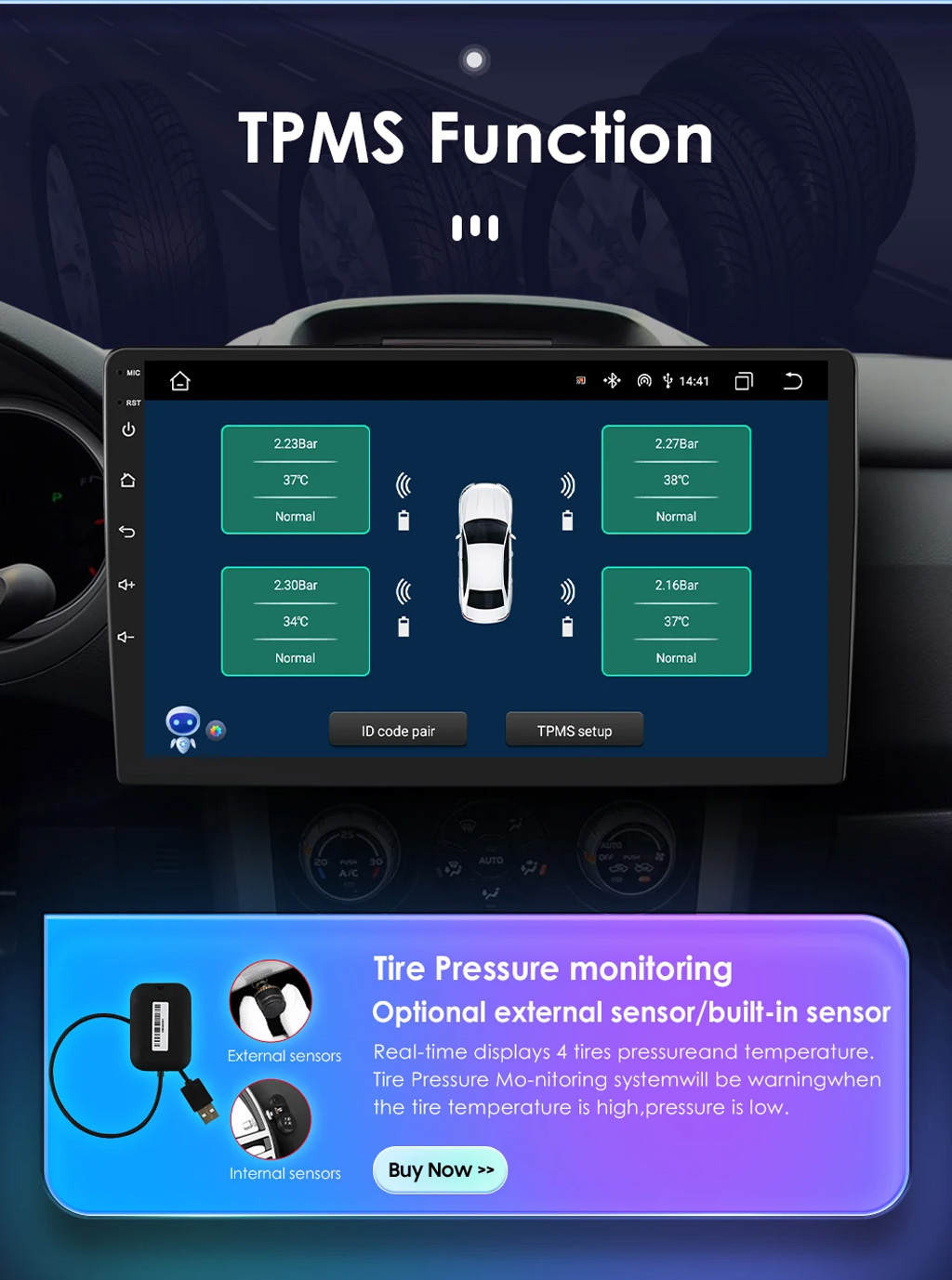
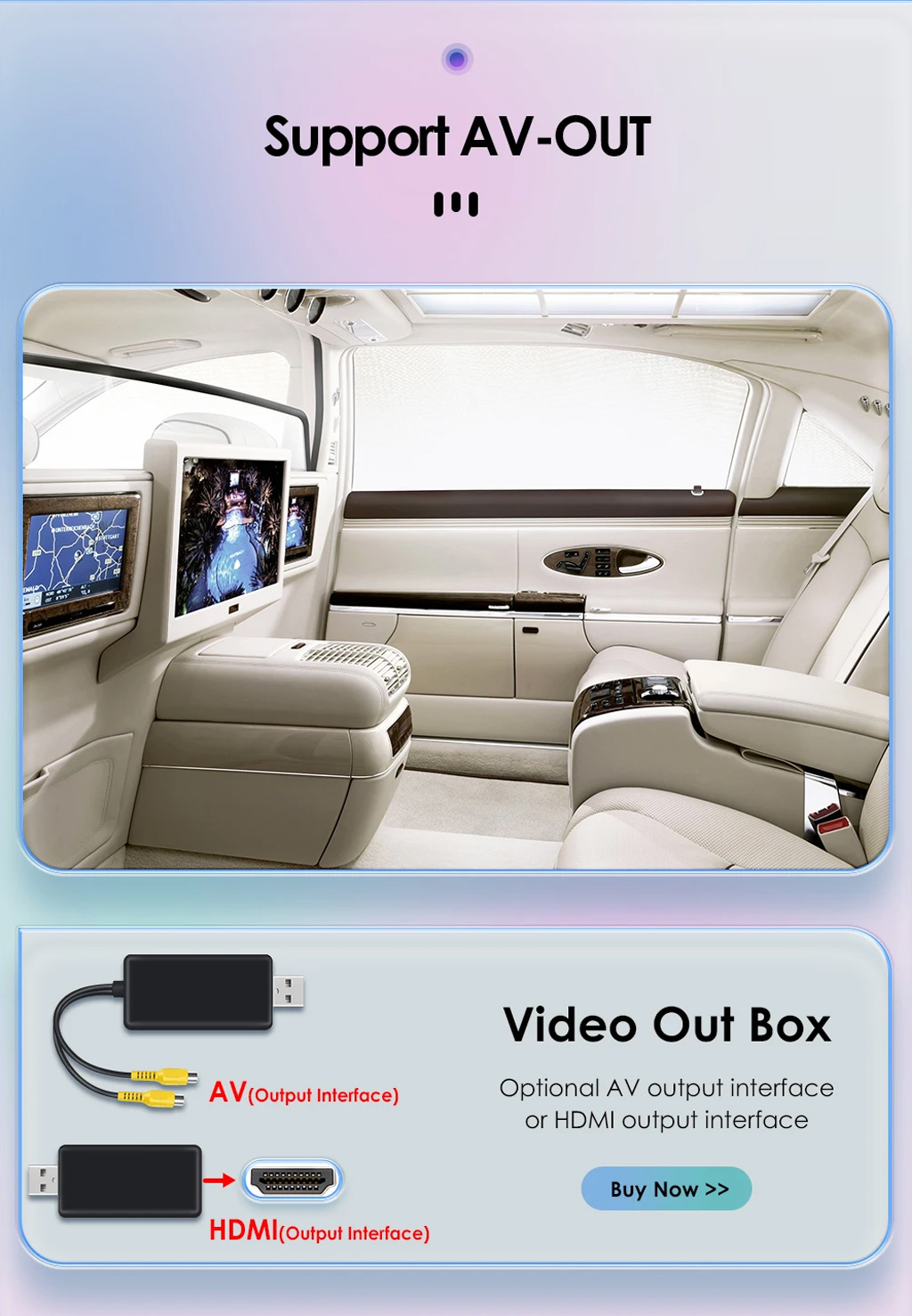
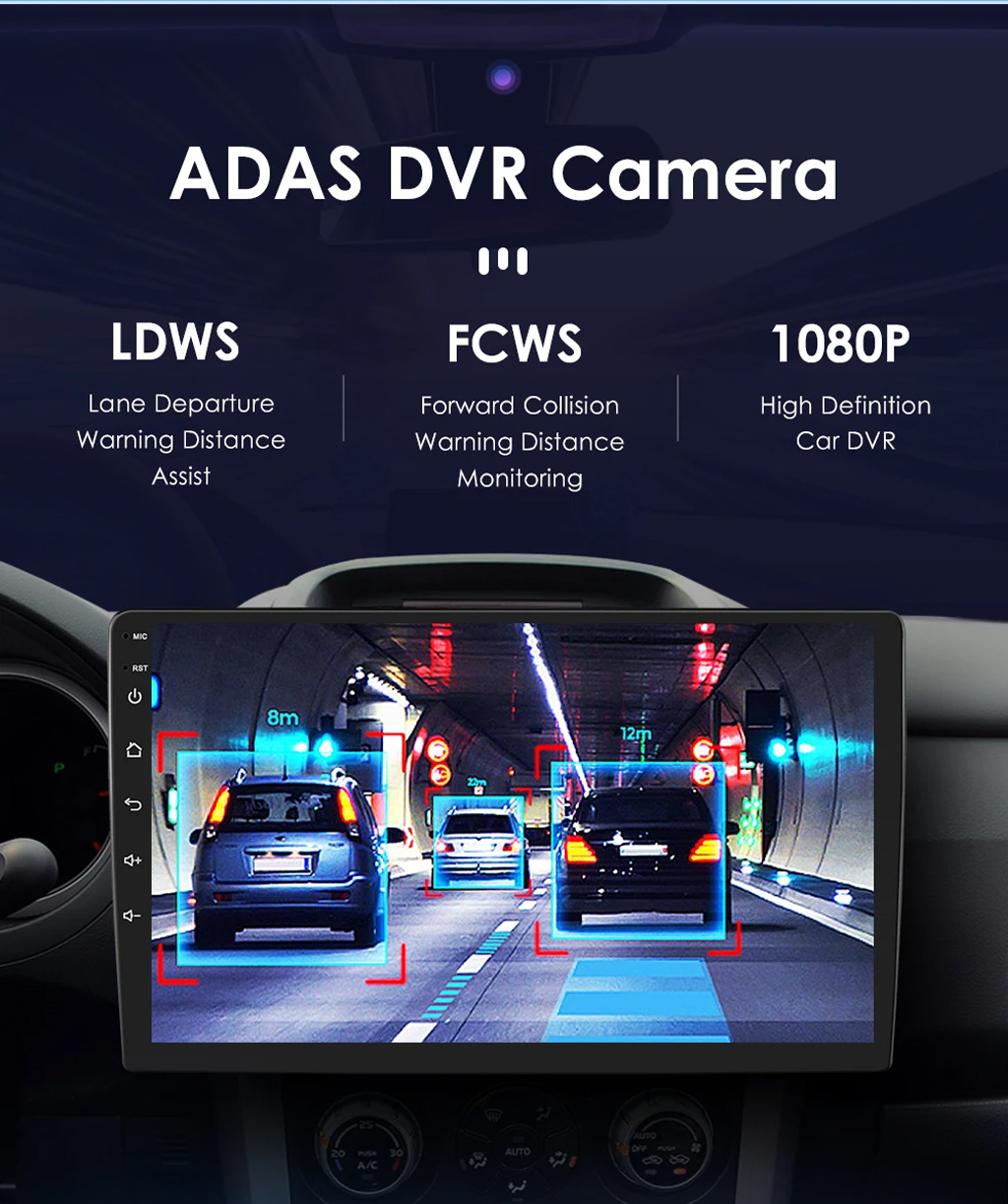
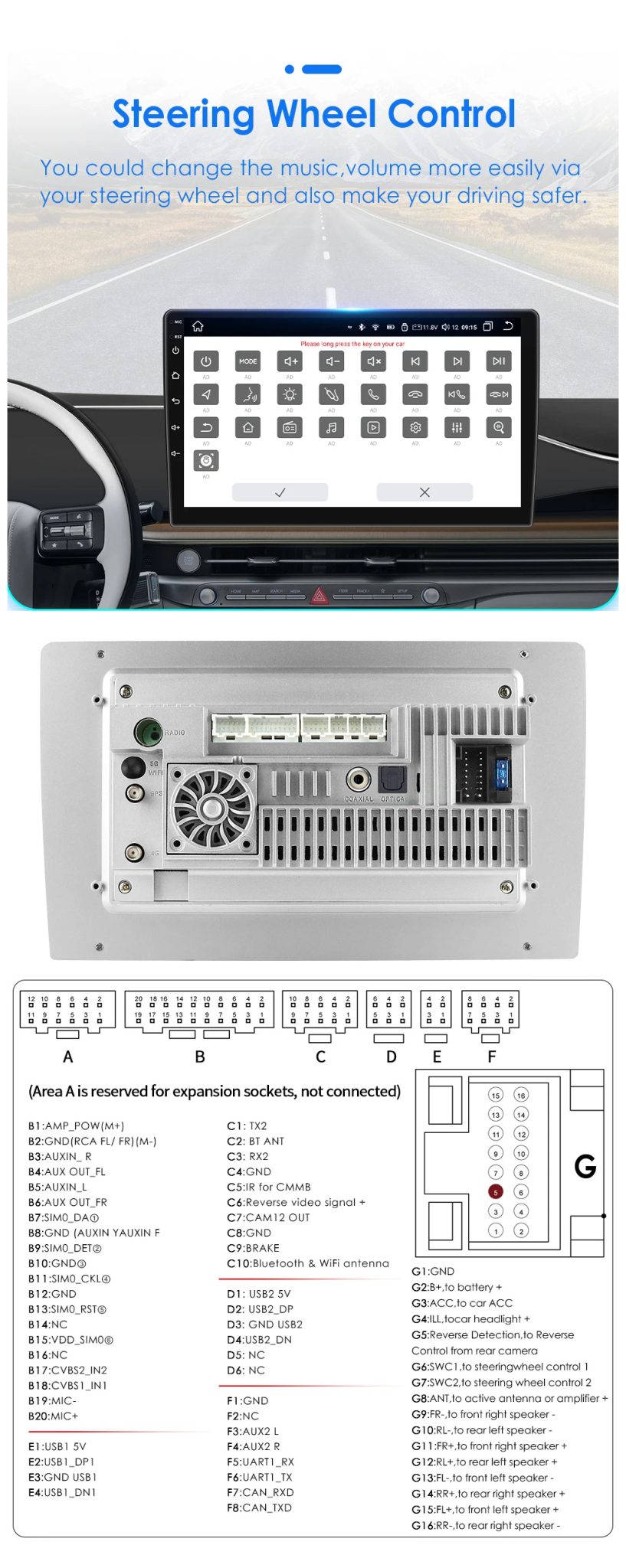
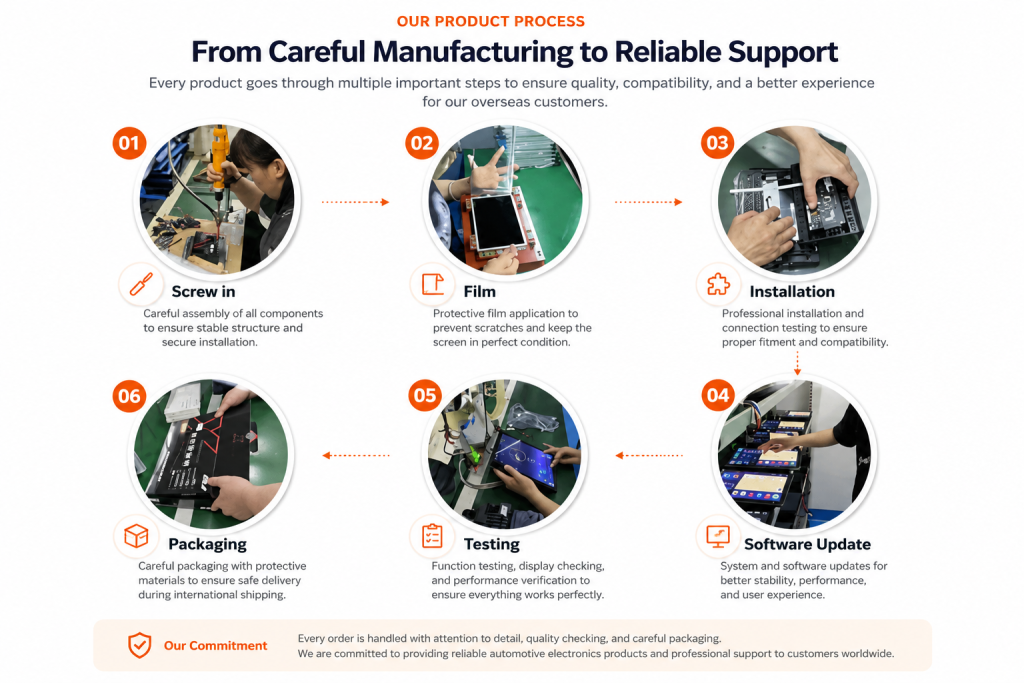
Why Choose CarMP5 Smart Auto Upgrades?
Practical Android car stereo, CarPlay, Android Auto, CANBUS, and vehicle-specific upgrade support for selected automotive electronics products.

01 Are your Android car stereos plug-and-play?
Many CarMP5 Android car stereo and car multimedia systems are designed with vehicle-specific frames and plug-and-play wiring harnesses. Compatibility should be confirmed before purchase to help support proper fitment, wiring connection, steering wheel controls, camera input, and other supported vehicle functions where available.
02 Do these units support Apple CarPlay and Android Auto?
Compatible products may support wired or wireless Apple CarPlay and Android Auto for navigation, music, calls, and selected app functions. Actual performance may vary by phone model, software version, vehicle environment, wireless signal condition, and product configuration.
03 How does CarMP5 support product reliability?
CarMP5 works with selected automotive electronics supply partners and follows product checking steps before shipment where applicable, including function review, accessory confirmation, and packaging inspection. Eligible products may include limited hardware warranty support for verified manufacturing defects under normal use.
04 Can CarMP5 support bulk orders and business buyers?
Yes. CarMP5 can support selected bulk orders, reseller needs, and vehicle-specific product sourcing requests. Available pricing, shipping methods, customization options, preparation time, and product availability may vary by product type, destination, carrier route, and order requirements.
05 What happens if I need technical support during installation?
CarMP5 can provide setup guidance and troubleshooting suggestions based on your order details, vehicle model, dashboard photos, wiring connector photos, installation status, and issue evidence such as photos or videos. Professional installation is recommended when the customer is not familiar with vehicle wiring, CANBUS settings, factory amplifiers, camera wiring, or dashboard removal.
Shipping & Delivery FAQ
Practical shipping guidance for CarMP5 automotive electronics orders. Available methods, preparation time, customs handling, and delivery estimates may vary by product type, destination, carrier route, and order verification status.

01 What shipping methods may be available?
Available shipping methods may vary by product type, order quantity, destination, carrier route, customs requirements, and order verification status. For retail automotive electronics orders, CarMP5 may use suitable international courier or air shipping options when available. For larger or bulk orders, sea freight or other logistics options may be reviewed separately.
02 How is delivery time estimated?
Delivery time is estimated based on product preparation, payment review, address verification, compatibility confirmation when needed, carrier pickup, customs inspection, destination country, and local delivery conditions. Any delivery estimate is for reference only and should not be treated as a guaranteed arrival date.
03 Can I choose a specific courier?
Customers may request a preferred courier before shipment, but final availability depends on destination, product size, shipping cost, carrier restrictions, and service coverage. If a requested courier requires extra cost or cannot serve the destination reliably, CarMP5 may suggest another suitable option.
04 Who is responsible for customs duties and import fees?
Unless clearly stated otherwise before purchase, import duties, VAT, customs brokerage fees, storage fees, local taxes, and destination-side charges are generally the customer’s responsibility. These charges are controlled by customs authorities, carriers, or local service providers, not by CarMP5.
05 What should I do if a package arrives damaged?
If shipping damage is found, contact CarMP5 within 48 hours after delivery and provide clear photos of the outer box, shipping label, inner packaging, product damage, and accessories. Please keep the packaging until the claim review is completed. Do not install or further use a damaged product before contacting support.
06 What if there is a delivery delay?
Delivery delays may occur because of customs inspection, carrier routing changes, address issues, local holidays, weather, high-volume seasons, or payment and address verification. CarMP5 can assist with tracking review and carrier communication when possible, but carrier and customs delays are not fully controlled by CarMP5.
Payment & Order Security FAQ
Practical payment, order verification, refund review, and buyer support information for CarMP5 automotive electronics orders.

01 Is my payment information handled securely?
CarMP5 uses trusted third-party payment providers to process online payments. Card details are handled through the payment provider’s secure checkout system, and CarMP5 does not store full credit card information on its website servers.
02 Why may some orders require payment or address verification?
Some orders may require verification when the billing address, shipping address, payment email, recipient name, delivery country, or order value needs additional review. If the billing and shipping addresses are different, CarMP5 may ask the customer to confirm the shipping address from the original payment email before shipment.
03 What is your refund and buyer support process?
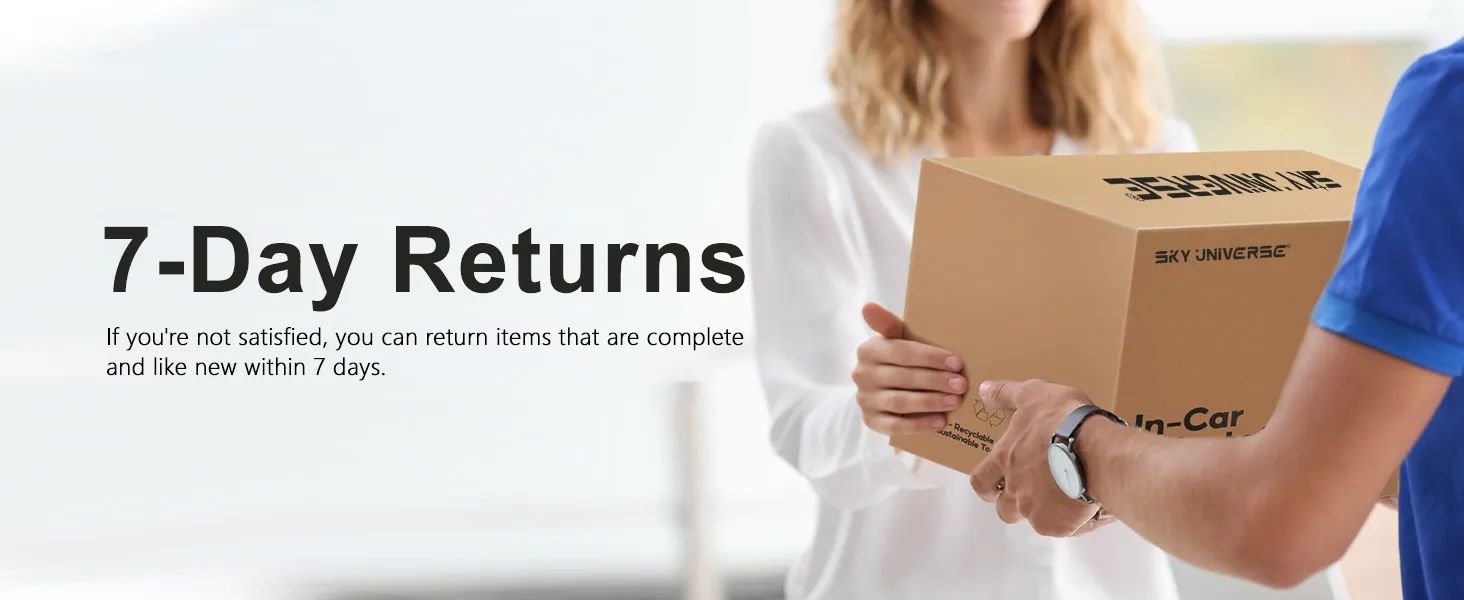
CarMP5 reviews refund requests based on order records, product condition, return window, installation status, compatibility confirmation, and supporting evidence. Return review requests should be submitted within 7 days after delivery and must meet the applicable policy conditions. Review the CarMP5 Refund Policy.
04 How can I track my order after payment?
After payment is reviewed and the order is prepared for shipment, tracking information may be provided by email or through the order record when available. Tracking updates depend on carrier scanning, warehouse processing, customs review, and destination-side delivery status.
05 What should I do before opening a PayPal dispute or card chargeback?
Please contact CarMP5 support first and provide order details, photos, videos, delivery information, or installation evidence when relevant. Opening a payment dispute or chargeback without prior contact may place the related order under risk review and may pause warranty service, replacement service, return approval, refund review, or technical support until the payment case is resolved.

 English
  Deutsch
  Español
  Italiano
  Português
  العربية
  日本語
日本語  Русский
  ไทย
ไทย  Nederlands
  Français
  한국어
한국어 
Reviews
There are no reviews yet.